
For: Cashier, Accounts clerk
Cashier
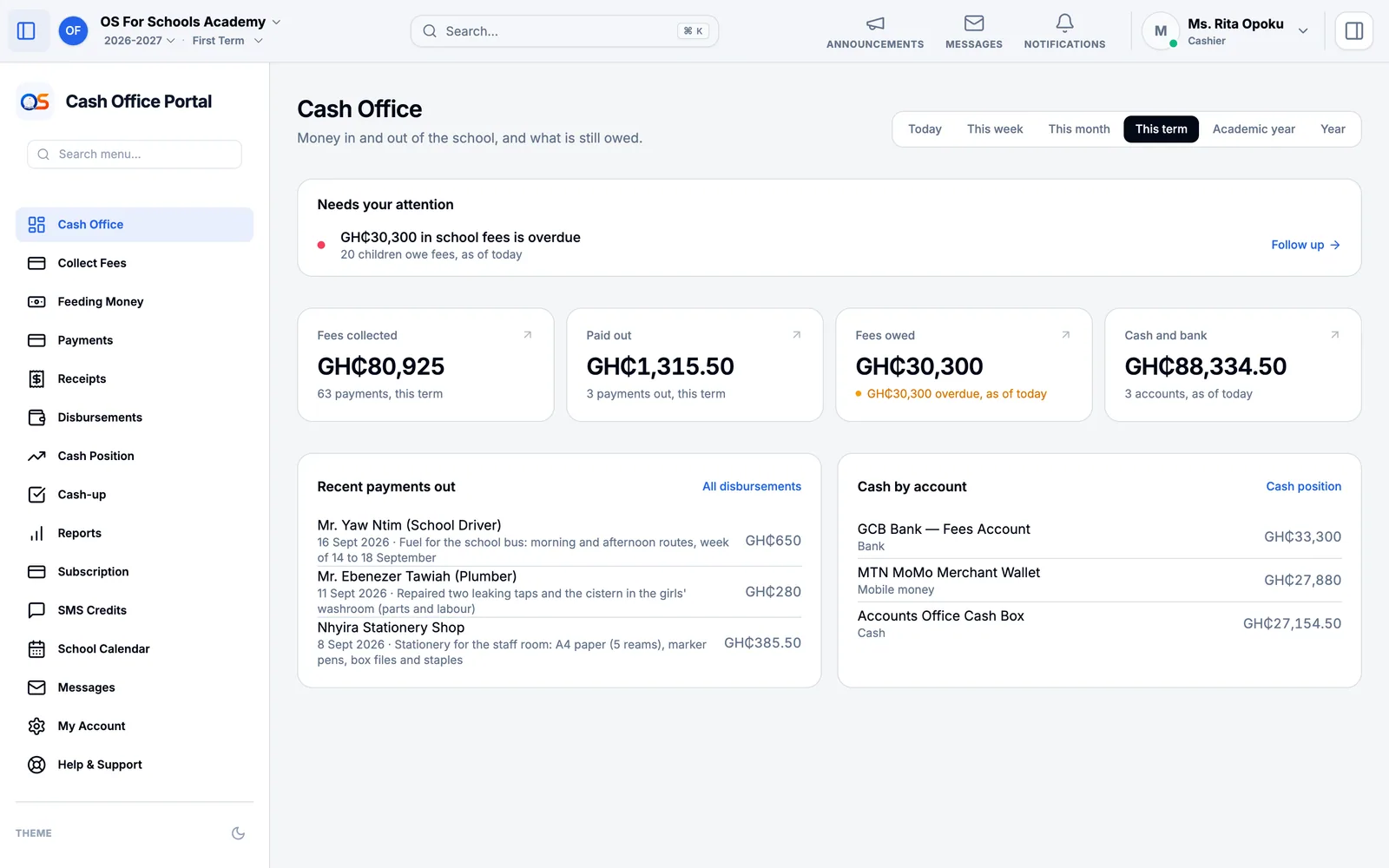
Taking fees, collecting feeding money, giving receipts and counting the cash box at the end of the day — for the cashier at the accounts office.
Your day
- Morning: start the day in Cash-up with the cash already in the box — the change you keep for giving back.
- All day: take fees in Collect Fees, and each class’s feeding money in Feeding Money. Offerings, donations and any other money go in Other Money In. Every payment gets its receipt.
- Closing: count the cash, enter it in Cash-up, and close the day.
Take a fee payment
Open Collect Fees and find the child — type their name or number in the search box at the top.
Press Record payment beside them. Type the Amount received; it is shared across their bills, oldest first.
Choose how they paid — cash, MTN MoMo, Telecel Cash, AirtelTigo, bank transfer or cheque — and where the money went, under Deposited Into. Cash goes into the cash box.
For Mobile Money, type the transaction reference from the parent’s phone and check the amount matches.
Save, and give the parent their receipt.
Collect feeding money
The class teacher takes the register first: feeding is charged only to pupils who are in school today. Until it is taken, the page offers Go to Attendance.
Open Feeding Money, choose the class and today’s date, and press Generate Today’s Charges. Each pupil present is charged the day’s feeding rate; a pupil the school has excused shows as exempt.
Type what each pupil hands over under Collecting, press Collect Payment, check the total and the account it goes into, and confirm. The day’s total for each class is kept for the bursar.
Offerings and other money
Money that is not a pupil’s bill — a worship offering, a donation, hall hire, old desks sold — goes in Other Money In. Press Record money in.
Choose what it is for, type the amount and the day, choose the till or account it went into, and who brought it.
If the money belongs to someone else — an offering for the school chapel or a church — choose Held for someone else, to pass on and type their name. It is not the school’s income; it waits under Cash Position until it is handed over.
Record it and give the receipt. The money now counts in the cash box and at Cash-up.
Receipts
Receipts lists every receipt, newest first, with what it paid for. Open one to print it again for a parent who has lost theirs — it is the same receipt, not a new one.
Count the cash box
In the morning, open Cash-up, choose the cash box and today’s date, and start the day with the starting cash — the cash already in the box, kept for giving change. Enter 0 if the box is empty.
At closing, count every note and coin in the box and enter the total.
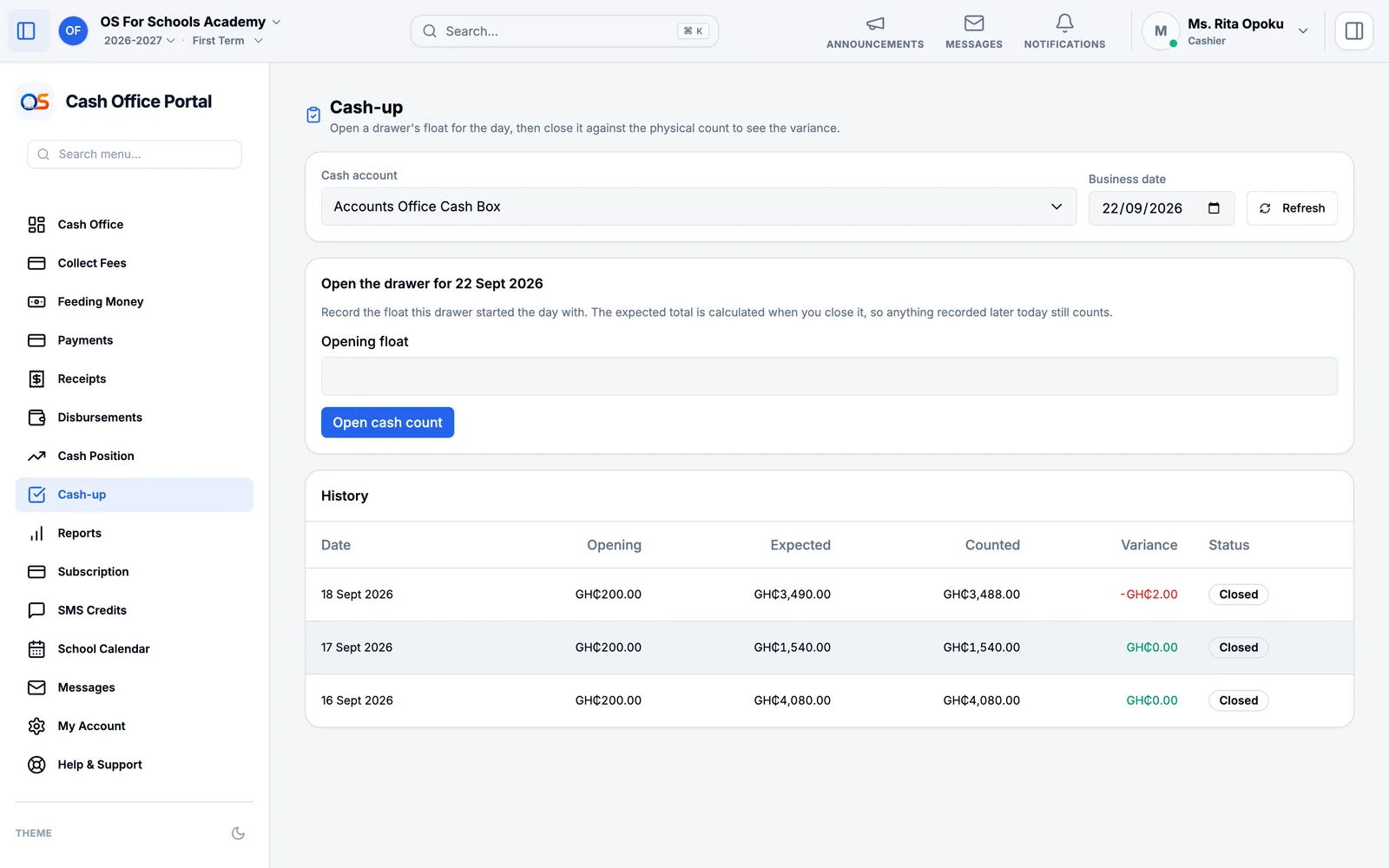
OS for Schools shows what should be there — the starting cash, plus what you took in cash, less anything paid out — and whether the box is short or over. Explain any difference in the note, then close the day.
Paying money out
When the school pays for something from the cash box — fuel for the bus, a repair — record it in Disbursements: who was paid, how much and what for. It waits for the owner, principal or headteacher to approve it, and then counts against the cash box.